

01
Bulk CSV Import
Import 100–1,000 feedback items from any CSV source—Google Sheets, Typeform, SurveyMonkey, NPS tools, or custom spreadsheets—in minutes.

A customer-led workflow
You have feedback in surveys and spreadsheets—turn it into a prioritized roadmap in 1 hour
Customer evidence

“BuildBetter is becoming our go-to tool for strategic planning.”
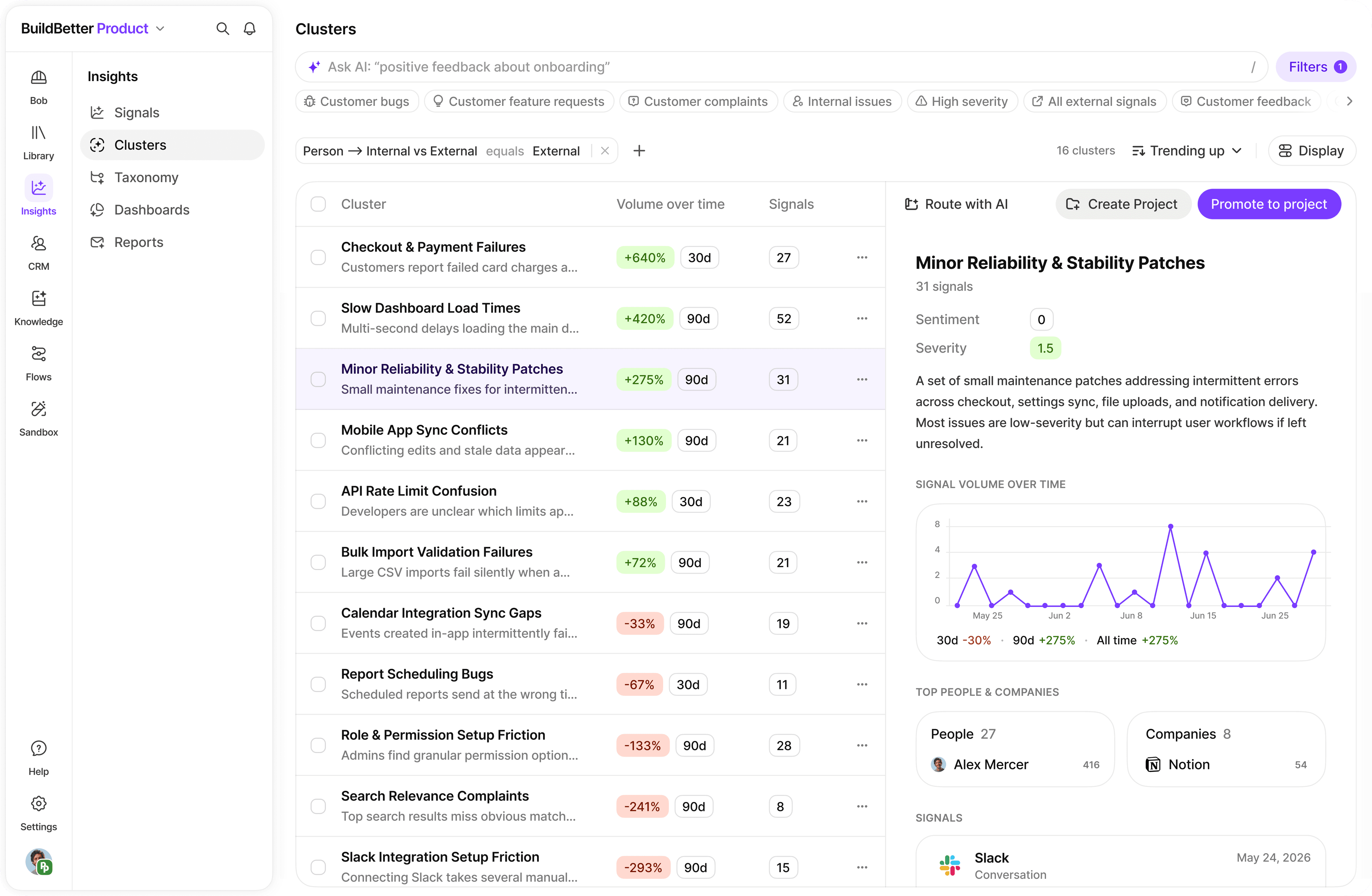
Bring customer feedback together, inspect the source, and carry the evidence into the decision. The example interface below shows how your team can work with that context.
01
Import 100–1,000 feedback items from any CSV source—Google Sheets, Typeform, SurveyMonkey, NPS tools, or custom spreadsheets—in minutes.
02
AI reads every row and pulls out structured signals: problems, feature requests, praise, and questions—no manual tagging required.
03
Automatically surface the top 5–10 themes across all feedback, grouping semantically similar responses even when worded completely differently.
04
Rank themes by frequency, sentiment severity, and customer segment to generate a data-backed roadmap you can share with your team immediately.
Export your feedback from Google Sheets, Typeform, SurveyMonkey, or any NPS/CSAT tool to CSV format. Save it somewhere accessible.
Confirm you have a feedback text column (could be named 'Response', 'Comment', 'Feedback', etc.). Optional but helpful: customer name, date, company, user type, and rating.
Remove completely empty rows and merge any multi-line responses. Don't obsess over perfection—BuildBetter handles messy data well.
Click Upload in the top right, select Import Text Data or CSV Upload, then drag-and-drop your file. BuildBetter starts processing immediately.
Map your feedback text column to Content/Message, and optionally map author, date, company, and any metadata columns like NPS score or user segment.
BuildBetter processes each row, extracts signals, identifies sentiment, and categorizes by theme. Takes 5–15 minutes for 100–500 items—you can navigate away while it runs.
Go to Signals, filter by type (Problem, Feature Request, Praise), and scroll for patterns. Look for issues mentioned by 3+ people independently—those are real, not one-offs.
Use Chat to ask: 'What are the top 5 most common problems in this feedback? Group similar issues together.' You'll get a ranked list with representative quotes in seconds.
Ask Chat: 'Create a prioritization matrix. For each major problem, tell me how many people mentioned it, how frustrated they are, and your recommended priority.' Export as a shareable product brief.
Bring a real question. We’ll walk through the context and the next step together.
Book a demo